Jan 12, 2026
2 min read
Next.js vs WordPress: Scalability, Security & Membership Made Simple
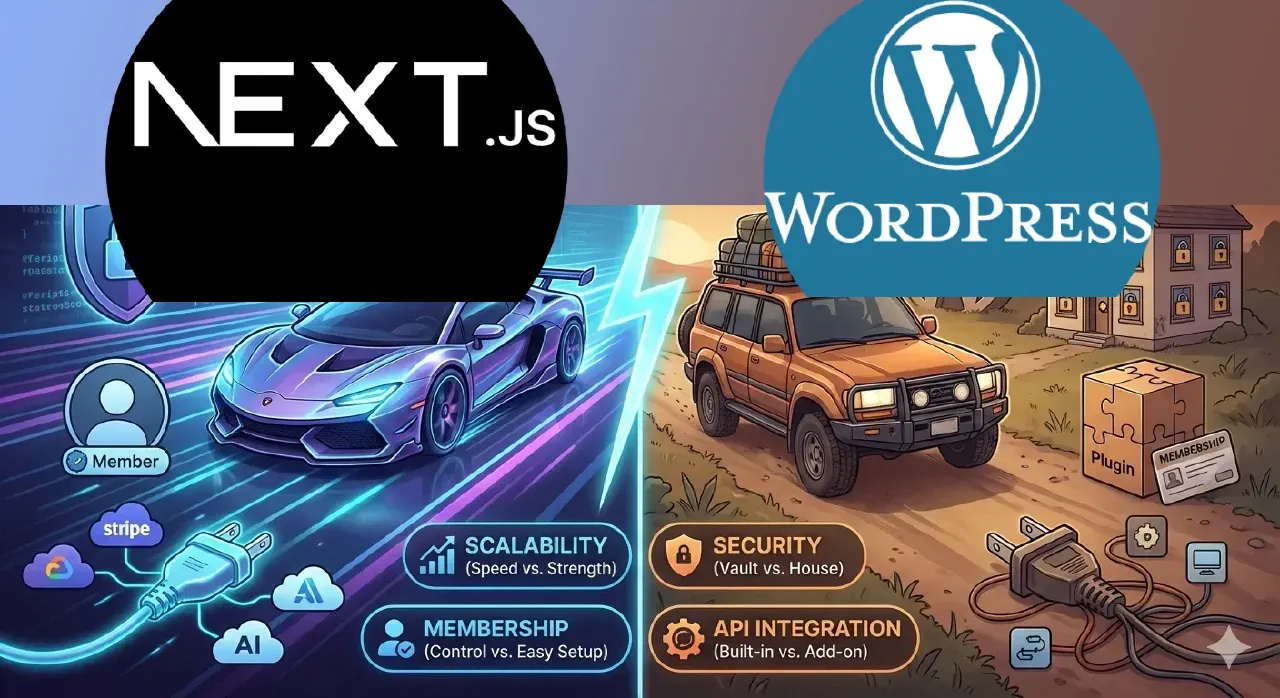
Hello Boss, welcome to the game! If you’re just starting your tech journey, choosing between Next.js and WordPress is like picking your first car. Do you want a custom-tuned supercar that you build yourself, or a reliable SUV that comes with everything pre-installed?
Let’s break it down bro-to-bro so you don’t get lost in the jargon.
1. Scalability (Can it handle the crowd?)
Imagine you throw a party and 10,000 people show up.
- Next.js: It’s like having a magic house that adds new rooms instantly. It uses “The Edge,” meaning your site lives on servers all over the world. It stays lightning-fast no matter how many people visit.
- WordPress: It’s like a classic mansion. Beautiful, but if too many people rush the front door at once, the floor starts creaking. You’ll need a really good “security guard” (hosting) to keep it from crashing.
2. Security (Keeping the bad guys out)
- Next.js: It’s basically a ghost. Since the front of your site is separate from your database, hackers have nothing to grab onto. It’s super hard to “break into” because there’s no obvious front door.
- WordPress: Since it’s the most popular kid on the block, everyone tries to mess with it. Most “break-ins” happen through cheap plugins. It’s safe, but you gotta keep your “locks” (updates) checked every single week.
3. Membership (Who’s on the list?)
Want to charge people for content or have a “VIP” area?
- Next.js: You use cool services like Clerk or Supabase. It feels like a modern app—fast logins, sleek profiles. But, you have to code the “look” of the dashboard yourself.
- WordPress: You just download a “Membership Plugin.” Boom, you’re done. It’s not as “snappy” as Next.js, but for a beginner, it’s a massive time-saver.
4. API Integration (Does it talk to other apps?)
This is just a fancy way of saying “Can my site talk to Stripe, Instagram, or AI tools?”
- Next.js: This is its superpower. It was born to talk to other apps. It’s like a universal remote that works with everything perfectly.
- WordPress: It can do it, but sometimes it needs a “translator” (another plugin). It’s getting better, but it’s not as smooth as Next.js.
So, what’s the move?
| Feature | Next.js (The Supercar) | WordPress (The SUV) |
|---|---|---|
| Effort | High (Needs coding) | Low (Drag & drop) |
| Speed | Insane | Decent (if optimized) |
| Vibe | Modern App / SaaS | Blog / Business Site |